

A chatbot is a perfectly reasonable interface for asking a question. It is rather less convincing as the answer to every product problem humanity has managed to accumulate.
Yet this is where much AI product design currently begins and, with suspicious frequency, ends. A text box appears at the bottom of the screen. A small constellation is added to the button. The word “magic” enters the product roadmap without adequate supervision.
This is understandable. Conversation is flexible, models produce language and chat interfaces are relatively easy to prototype. But an AI system embedded in a real product must do considerably more than exchange pleasant paragraphs. It may search, compare, generate, recommend, modify records, use tools, request permission, fail halfway through a task and occasionally develop enormous confidence in something that is simply not true.
That requires more than a component library. It requires an AI design system: a shared language for how intelligence appears, behaves and remains accountable inside a product.
Some AI design systems already exist- sort of
The category is emerging in pieces rather than arriving as one beautifully organised Figma library.
Vercel AI Elements is one of the clearest component-level examples. Built on Shadcn/UI, it provides reusable elements for conversations, messages, prompt inputs, reasoning panels, tool activity and agent workflows. It addresses several peculiarities of AI interfaces that conventional component libraries do not: streaming content, model activity, tool calls and responses assembled from different kinds of message parts.
It is useful, practical and open source. It is also primarily an implementation library. It helps teams build the interface, but it cannot decide whether an agent should be allowed to update twelve customer accounts without asking first. That remains irritatingly human work.
AWS Cloudscape’s generative AI guidance goes further towards a complete system. It combines components, patterns, principles and Figma resources, with explicit attention to transparency, explainability, feedback and responsible use. This begins to resemble an AI design system rather than a collection of AI-flavoured controls.
Microsoft is developing a Copilot Design System to create consistent behaviour across products. Its work considers how intelligence enters an interface, how its presence is signalled and how it becomes part of an existing workflow rather than demanding its own upholstered conversation lounge.
IBM Design for AI concentrates on the principles around trust, explainability and responsible AI. It is less a production-ready box of components and more a framework for making sure the product deserves to have components in the first place.
These examples reveal the shape of the category. An AI design system needs conventional foundations, reusable interface elements, interaction patterns and governance rules. Leave out any one of those layers and the result becomes either theoretical, inconsistent or impressively dangerous.
What makes an AI design system different?
A conventional design system explains how a button should look, behave and respond to interaction. An AI design system must also explain whether the button should exist, what the system is permitted to do after it is pressed and how the product accounts for the consequences.
The difference is behaviour under uncertainty.
A normal form generally knows whether it has been submitted. An AI task might be queued, searching, generating, waiting for a tool, partially complete, blocked by permissions or quietly retrying a service that stopped answering three minutes ago.
A normal confirmation dialog asks whether the user wishes to proceed. An AI approval pattern must explain what will happen, which information the system used, what might change, whether the action can be reversed and why approval is required now.
A normal error message reports that something failed. An AI failure state may need to distinguish between the model failing to answer, a tool failing after selection, only part of an action completing, a response lacking evidence, or the user stopping the process. “Something went wrong” feels a little underprepared for this assignment.
The four layers of an AI design system
A useful AI design system has four connected layers.
1. Foundations
The familiar material remains important: typography, colour, spacing, elevation, motion and accessibility. AI does not exempt a product from having a legible hierarchy.
But the foundations should include semantic concepts particular to intelligent systems: working, waiting for the user, approval required, partial result, evidence available, low confidence, reversible action, consequential action and human ownership.
These concepts can become design tokens, state names and shared language. A colour called blue-500 tells us remarkably little about whether the system is thinking, finished or waiting for permission to email the finance director.
A token such as ai-state-needs-approval carries meaning across components and implementations. It also gives design, engineering and product teams something more useful to argue about than whether the blue should be slightly more energetic.
2. Components
Components are the visible building blocks: AI entry points, prompt inputs, suggested prompts, streaming responses, loading indicators, citations, tool-call cards, generated previews, approval controls, comparison views, feedback actions, task queues, version history and human hand-off controls.
These should be composable rather than welded into one enormous chatbot component that assumes every product is a narrow column of messages.
A quotation assistant might use a generated-content preview, evidence panel and approval control without displaying a conversation. A design-system assistant might recommend a component directly on the canvas. An operational agent might appear as a task with progress, dependencies and an escalation route.
Chat is one pattern. Intelligence is the capability.
3. Patterns
Patterns explain how components work together to support a task.
This is where the design system becomes genuinely useful. A component library can provide an approval button; a pattern explains when approval is required and what information must accompany it.
Common AI patterns include generate and review, suggest and apply, compare alternatives, search with evidence, execute with approval, work in the background, interrupt and resume, recover from partial failure, escalate to a person, revise a result and restore an earlier version.
Each pattern should describe the workflow rather than merely presenting the final screen. It should show what happens before the model starts, while it works, when it succeeds and when reality refuses to cooperate.
My earlier collection of beautiful native AI design patterns explores this territory: loading, thinking, approval, tool use and evidence as parts of the interface rather than technical incidents happening behind it.
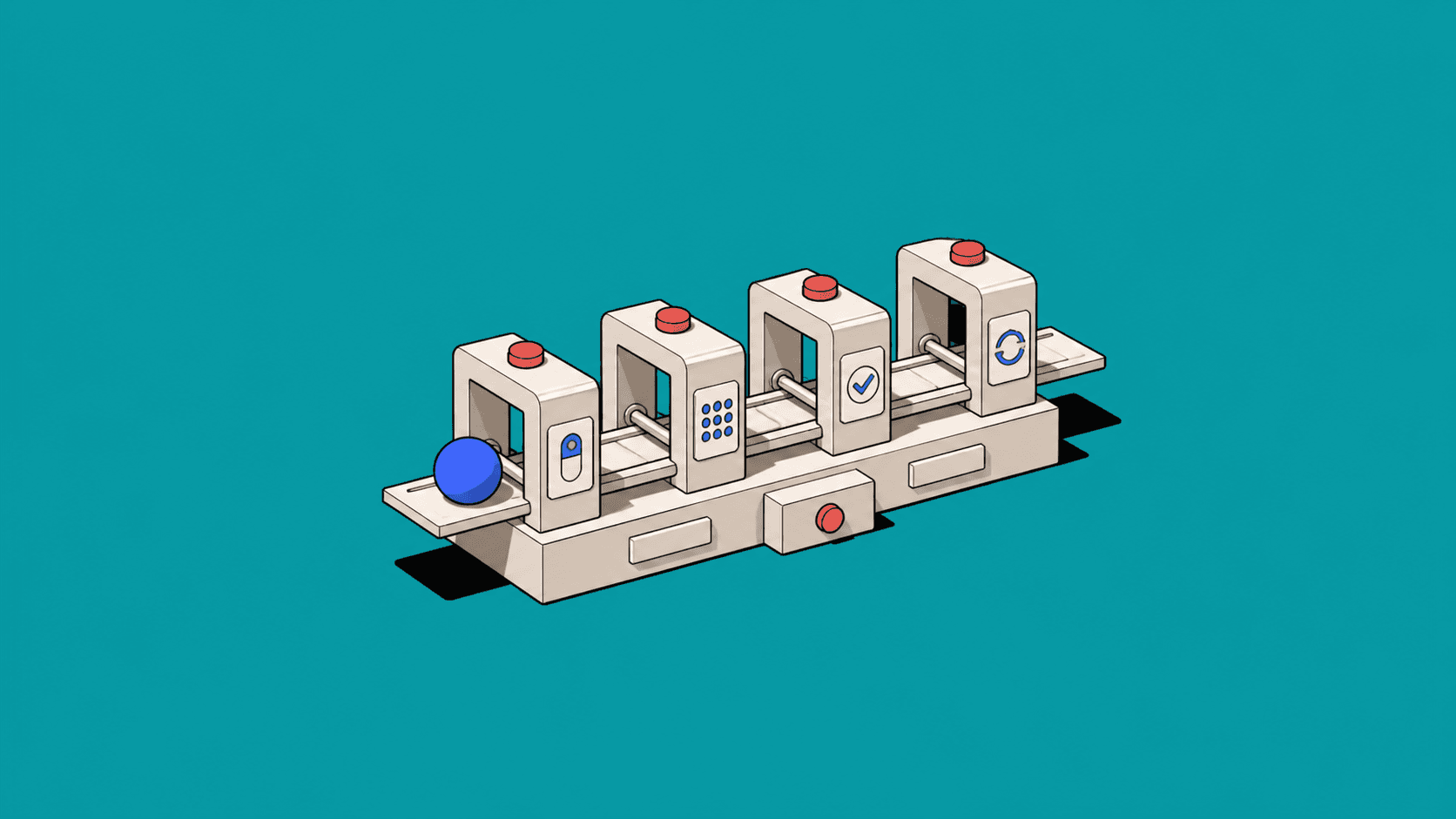
Evidence-backed recommendations
A recommendation pattern should keep its evidence attached: sources, confidence, assumptions and the reason the suggestion matters. The system is not merely offering an answer; it is showing the material a person needs to judge it.
4. Behaviour and governance
This is the layer most likely to be omitted because it cannot be completed by rearranging rectangles.
Behavioural guidance should define what the AI can do automatically, what requires confirmation, which actions are reversible, what evidence must be presented, how uncertainty is communicated, when human ownership is required, what gets recorded and what happens when a tool fails.
Governance should not live exclusively in a PDF called Responsible AI Principles—Final Final 3. It needs to appear in the components and patterns teams actually use.
If deleting a record always requires an explanation and explicit approval, encode that requirement in the destructive-action pattern. If a recommendation must include its sources, make citations part of the component contract. If generated changes need review, do not provide an undocumented boolean that allows someone to turn review off on a Friday afternoon.
Approval before agent action
For consequential work, approval is a component rather than a vague confirmation dialog. It should make the proposed action, scope, evidence and reversibility visible before the agent proceeds.
Start with work, not components
The best way to build an AI design system is not to begin by drawing a very attractive prompt input.
Start with real workflows.
Choose five to ten meaningful jobs that AI is expected to support. These might include extracting a request from an email, generating a quotation, recommending an option, comparing historical cases, producing a contract, updating records or identifying operational risk.
Map what happens across each workflow. Where does the system need input? When does it use a tool? Which information is uncertain? What can be changed safely? Where does a person need to decide?
Recurring situations will emerge. The same approval problem appears in quoting, contracting and invoicing. The same evidence pattern appears in recommendations and risk detection. The same partial-failure state appears whenever an agent coordinates several systems with varying attitudes towards availability.
Those recurring situations are the beginning of the design system.
Model the states explicitly
AI interfaces become confusing when their states are treated as copy variations applied after implementation.
Define the state model first:
idle → submitted → queued → working → partial → complete
Then add the less photogenic branches: approval required, interrupted, failed, retrying and human decision required.
Each state should define what the user sees, what the system is doing, what action is available, who owns the next step, whether existing work remains safe and how the task can continue.
This prevents one screen from calling a state “processing”, another “thinking” and a third “almost there”, despite all three representing entirely different technical conditions.
Accountable progress
A shared progress component should name the work, expose elapsed time, preserve the previous result and provide a safe way to stop. That turns waiting from decorative motion into an accountable product state.
Document the difficult examples
A design system is not tested by its default button. It is tested by the strange Tuesday when the model succeeds, the payment service fails and nobody can tell whether the customer has been charged.
For every AI pattern, include examples involving missing information, long-running work, insufficient permissions, conflicting evidence, partial completion, tool failure, user interruption, low confidence and accessibility.
The awkward states contain the actual product decisions. The polished success state is often just where marketing takes the screenshot.
Recovering from partial failure
When an agent completes three steps and fails on the fourth, the interface should preserve the successful work, identify the failed step and offer a targeted recovery path. Starting again is rarely the most intelligent option.
Make the system legible to machines
An AI design system should be usable by the AI tools generating the product.
That means its knowledge cannot remain scattered across Figma annotations, Storybook pages, workshop boards and the institutional memory of one designer named Sarah.
Give coding and design agents structured access to component source, props, state schemas, semantic tokens, approved compositions, accessibility requirements, domain terminology, implementation examples and explicit “do not use” guidance.
A component definition might specify that a consequential action requires an owner, scope, evidence summary and explicit approval. An agent can then use those requirements when generating an interface or reviewing one.
This is where the design system becomes product intelligence: not merely a catalogue of objects, but a body of reusable judgment.
The goal is coherence, not decoration
An AI design system should not make every product resemble a chatbot. It should make intelligence behave consistently wherever it appears.
Users should understand when the system is working, what it has changed, which evidence it used and when it needs help. They should be able to interrupt it, correct it and recover from failure without becoming part-time forensic engineers.
That requires components, but it also requires states, patterns, permissions, history and language. The visual layer gives intelligence a recognisable form. The behavioural layer makes that form trustworthy.
The organisations that build this well will not necessarily have the most animated assistant or the most photogenic prompt box. They will have products in which AI feels native to the work: useful when confident, honest when uncertain and polite enough to ask before reorganising the company.
That is a more ambitious design-system problem.
It is also a considerably more useful one.
