
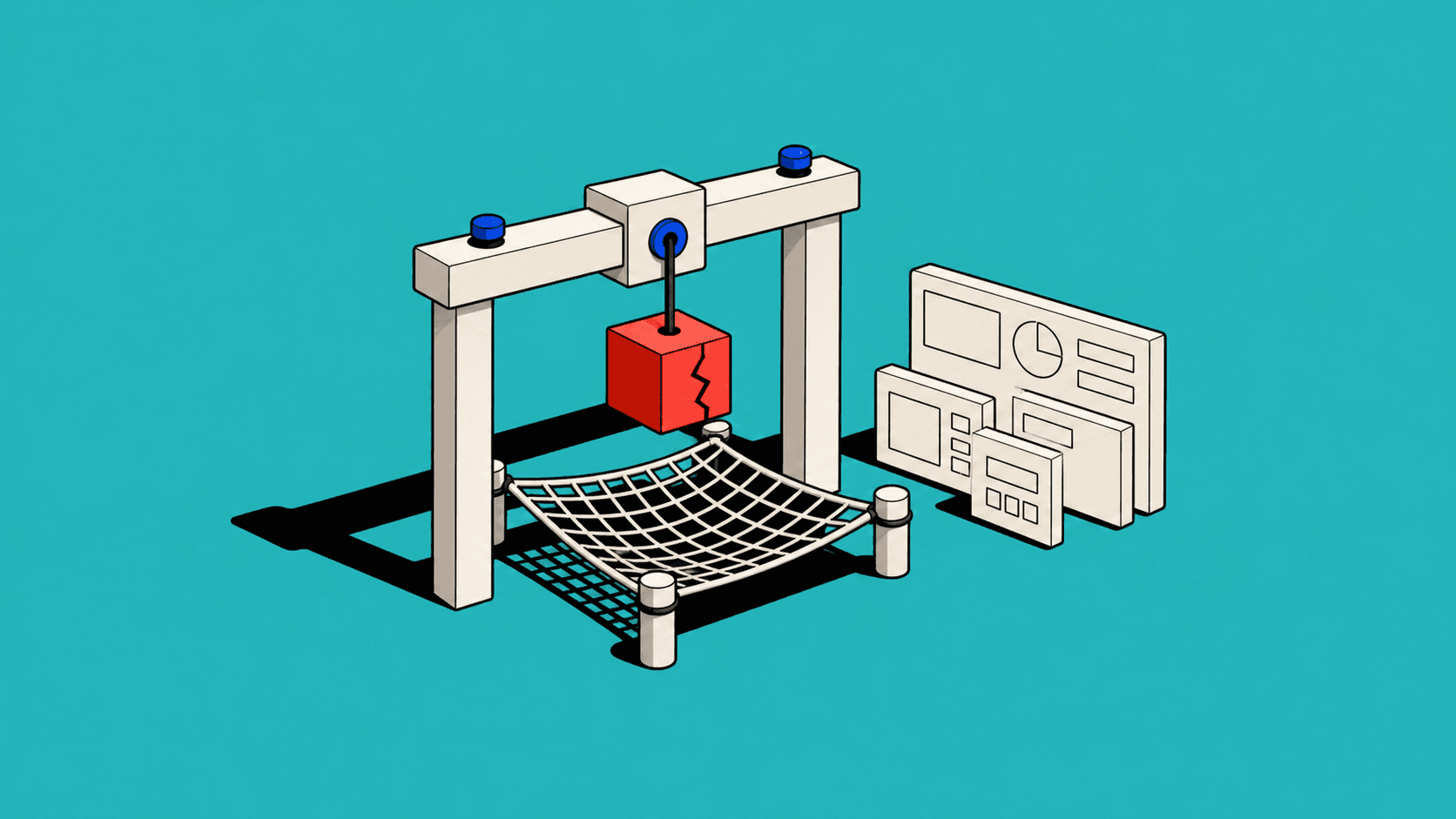
A prototype can contain every screen and still avoid the one question that matters. The transitions were smooth, the components immaculate and the sample data had clearly enjoyed a better education than most real data. When I asked the team what they most needed to learn, there was a pause.
The prototype demonstrated that the product could be clicked. It did not test whether anybody needed it, understood the workflow or trusted the critical recommendation at its centre.
Prototypes are often mistaken for early versions of the interface. Their more valuable role is to make uncertainty testable. A good prototype is shaped by the risk in the idea, not by the eventual sitemap.
Begin with the dangerous assumption
Every product idea contains assumptions. Users have the problem. The proposed workflow fits their work. The data exists. An integration can respond quickly enough. A recommendation can be trusted. Somebody has authority to take the final action.
Not all assumptions are equally dangerous. A colour choice is cheap to change. A workflow built around data the organisation cannot obtain is not. I list assumptions, estimate how damaging and uncertain each is, and prototype the combination with the highest exposure.
This may produce something that barely resembles a polished product. A spreadsheet can test pricing logic. A storyboard can test handover. A concierge service can test whether a proposed automation creates value before the automation exists. Fidelity should follow the question.
A screen can hide the real question
Teams naturally prototype what is visible. It feels like progress and is easy to review. But the risky part of a B2B product often lives between screens: the rule that changes a status, the transfer between teams, the unavailable data or the exception that breaks the happy path.
In the Aerios marketplace work, interface concepts sat on top of commercial and operational models. Prototyping a tidy request card without testing how route, availability, pricing and ownership interacted would have validated the frame while ignoring the picture.
Ask what must be true for the interface to be useful. Then prototype that truth.
Match fidelity to the evidence
Low fidelity is useful when structure and language remain fluid. High fidelity is useful when visual hierarchy, interaction detail or stakeholder confidence genuinely affects the test. Neither is inherently more rigorous.
The mistake is using fidelity to compensate for a vague research question. A beautiful prototype can create false confidence because participants respond to its apparent completeness. They may assume missing rules have already been solved. Stakeholders may discuss fonts because the unresolved operating model is harder to point at.
The GOV.UK Service Manual guidance on making prototypes describes prototypes as a way to explore, test and communicate ideas, beginning simply and increasing fidelity as needed. The important phrase is “as needed”. Fidelity is a research instrument, not a maturity badge.
Prototype exceptions early
Happy paths are useful for establishing the proposition. They are terrible at revealing whether the product survives reality.
Introduce missing data, duplicate records, permission differences, late changes and failed integrations. Ask what happens to work already entered. Test the person returning after two days. Test the colleague inheriting the task. If an AI suggestion is wrong, test correction and recovery rather than moving briskly to the next impressive output.
Exceptions expose product rules. They also prevent a familiar launch pattern in which the main flow works and every operational team creates a spreadsheet for everything else.
Use the cheapest believable method
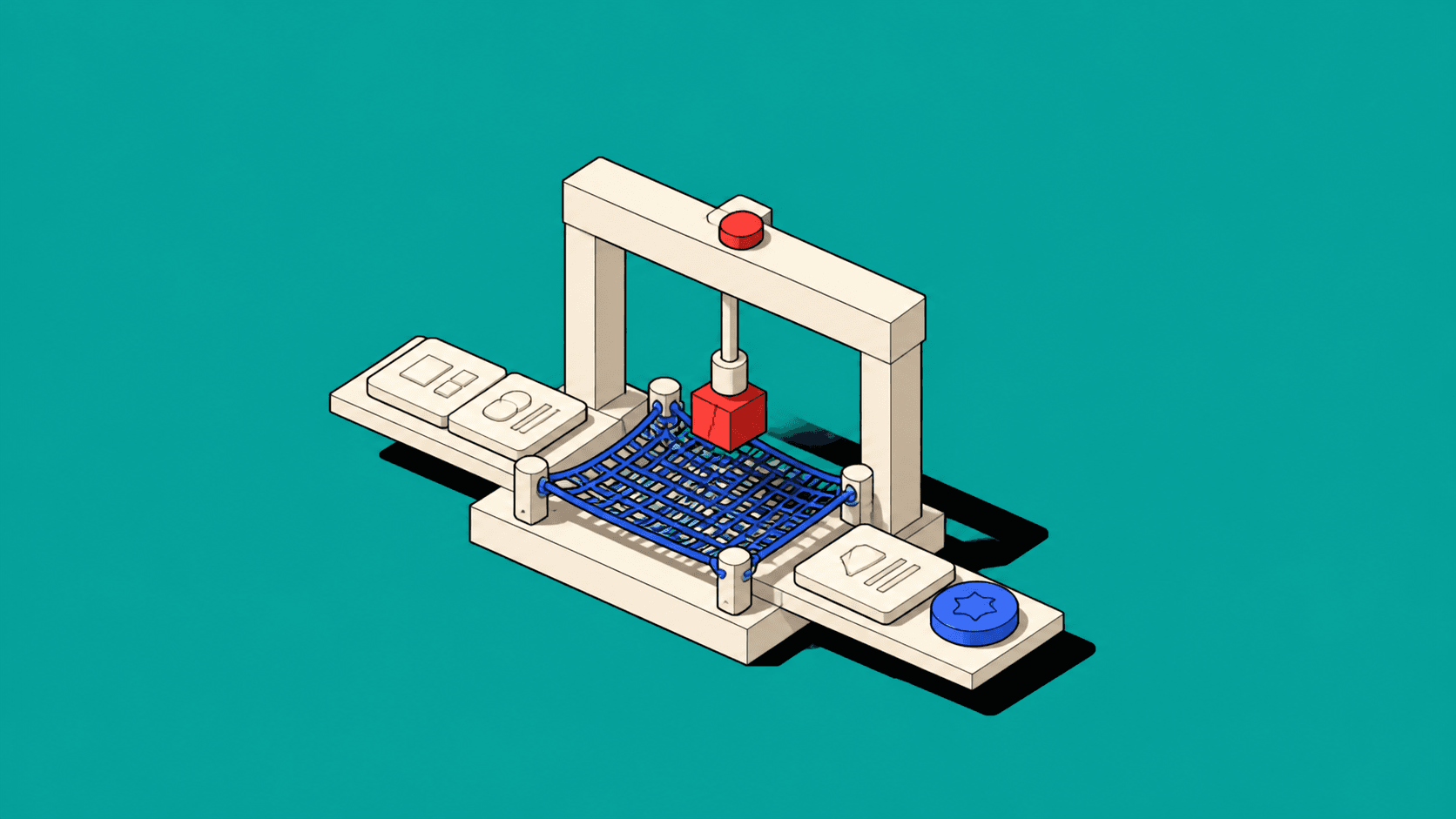
A prototype should be just believable enough for the question. If you need to learn whether users understand a status model, clickable cards may be sufficient. If timing and system response affect trust, a coded prototype may be necessary. If the risk is service coordination, role-playing the handover can reveal more than another frame in Figma.
I often combine methods. A realistic interface shell provides context while a human behind the scenes supplies an experimental recommendation. This “Wizard of Oz” approach tests the experience of automation before the team funds the machinery.
Be honest with participants about the nature of the test where disclosure matters. Research should not create false beliefs about what a live service can already do.
Make the evidence visible
A prototype is valuable only if the team knows what changed its mind. Define the question, expected signal and decision before testing. Record observations against the assumption, not simply as a collection of comments.
“Users liked it” is weak evidence. “Four of six participants interpreted Approved as customer commitment, while the system intended internal review” is actionable. It points to a model problem and suggests what to test next.
The GOV.UK guidance on moderated usability testing recommends agreeing research questions and focusing sessions on realistic tasks. This keeps prototypes from becoming demos with an audience politely supplying applause.
Do not prototype consensus
Sometimes teams use prototypes to settle internal disagreement by making one view tangible. This can be productive, but only if competing assumptions remain visible. Otherwise the prototype becomes an argument wearing clickable navigation.
Show alternatives when the risk involves a strategic choice. Use the prototype to compare consequences, not personalities. A decision log can capture why one direction was selected and what evidence would cause the team to revisit it.
This is particularly important when senior stakeholders see a polished prototype. State what is real, what is simulated and what remains unresolved. Apparent certainty is very difficult to put back in the tube.
Know when to stop
Prototypes are disposable learning tools. Teams sometimes keep extending them until they become a fragile parallel product. If the central uncertainty has been reduced, make the decision and move on. New questions may require new prototypes.
Stopping also prevents teams from treating prototype code or interactions as production commitments. The fastest learning structure is not necessarily the safest implementation.
Test what could sink the idea
The purpose of prototyping is not to prove that a design can look finished. It is to find out where the idea might fail while failure remains cheap and informative.
Name the assumptions. Rank the risk. Choose the cheapest believable method. Test exceptions and capture the evidence that changes the decision.
If the prototype contains every screen but nobody can say what it is testing, it is not a prototype. It is a very elaborate screensaver.


