

Accessibility is sometimes treated as a final compliance check, right before launch, when everyone is tired and the release notes are already being drafted. That is the most expensive possible moment to remember that some people need to use the product differently.
Accessibility is product quality. It affects whether people can understand content, complete tasks, use a keyboard, work with assistive technology and recover from an error. If a key customer cannot use the workflow, the product is not finished.
Start with the standard, then design for people
WCAG 2 is the international standard for making web content more accessible. It gives teams a shared technical reference. But standards alone do not tell you whether the experience is actually workable for someone using a screen reader, magnification or speech recognition.
That is why the GOV.UK accessibility-testing guidance recommends both automated and manual testing, alongside testing with assistive technologies and disabled users. Each catches different problems.
Build accessibility into the system
The cheapest accessibility fix is the one that never becomes a defect. Put accessible colour contrast, focus states, form behaviour, keyboard interaction, error messages and semantic structure into your shared components and patterns. Then every team starts from a safer baseline.
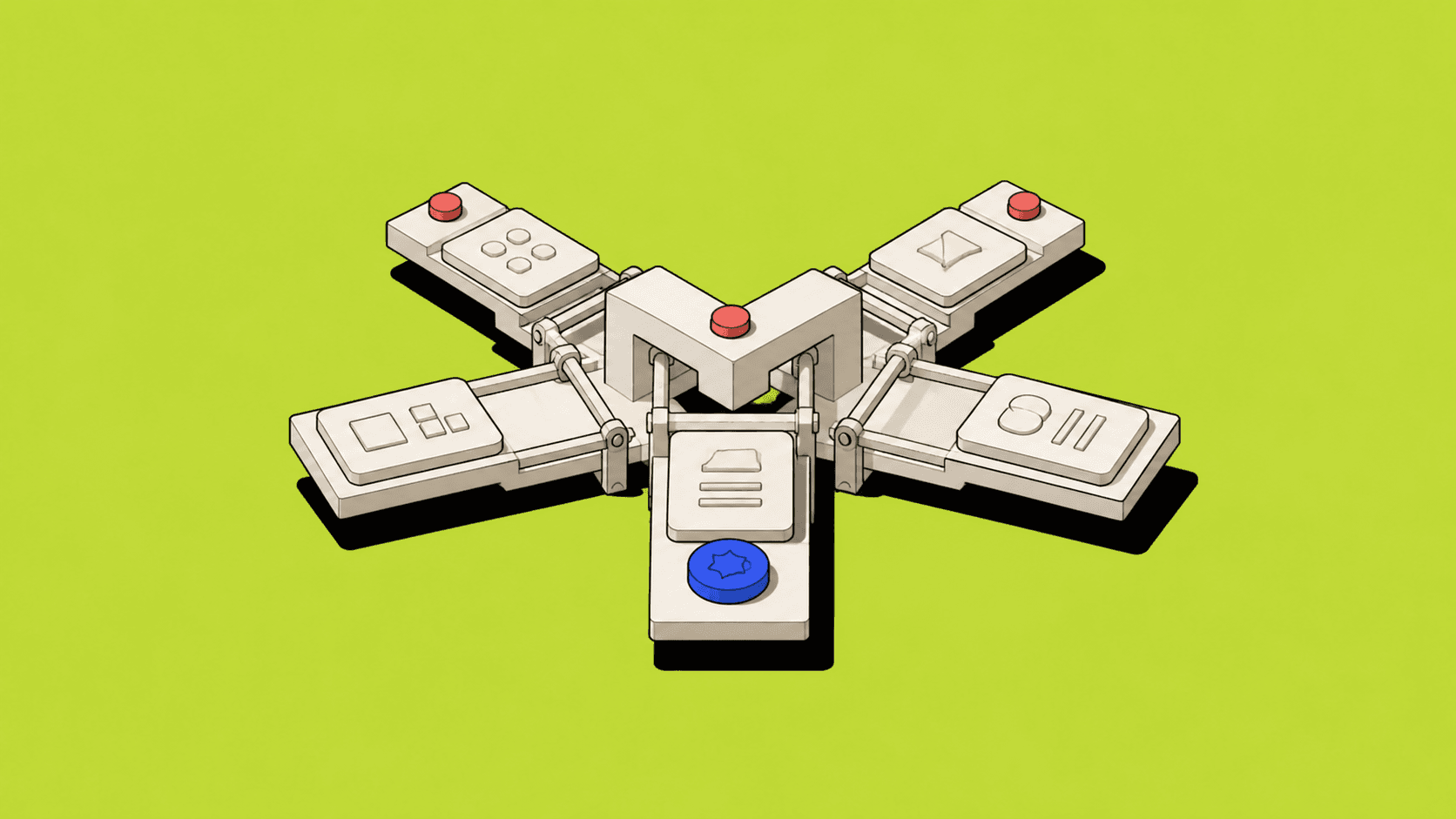
This was part of the value of design-system work at ShipServ. A shared component is not just a visual shortcut. It is a chance to make a behavioural decision once, test it properly and reuse it everywhere. I wrote about that delivery leverage in my ShipServ design-system case study.
Test the experience, not only the code
A product can technically meet a requirement and still be awkward to use. The DWP accessibility manual makes the distinction clearly: technical accessibility checks whether a product works with assistive technology, while usability testing checks whether people can actually complete their task.
Both matter. A checkbox may have the right label in code but be difficult to find in a dense workflow. A screen reader may announce a status, but the status language may still be too vague to support a decision. Accessibility testing should look at the complete task, not only individual controls.
Make it a team responsibility
Designers, developers, researchers, content people and product managers all affect accessibility. The good news is that inclusive design usually improves the product for everyone: clearer language, stronger hierarchy, predictable interactions and better error recovery are not niche improvements.
Accessibility is not a special mode of product design. It is what careful product design looks like.


