
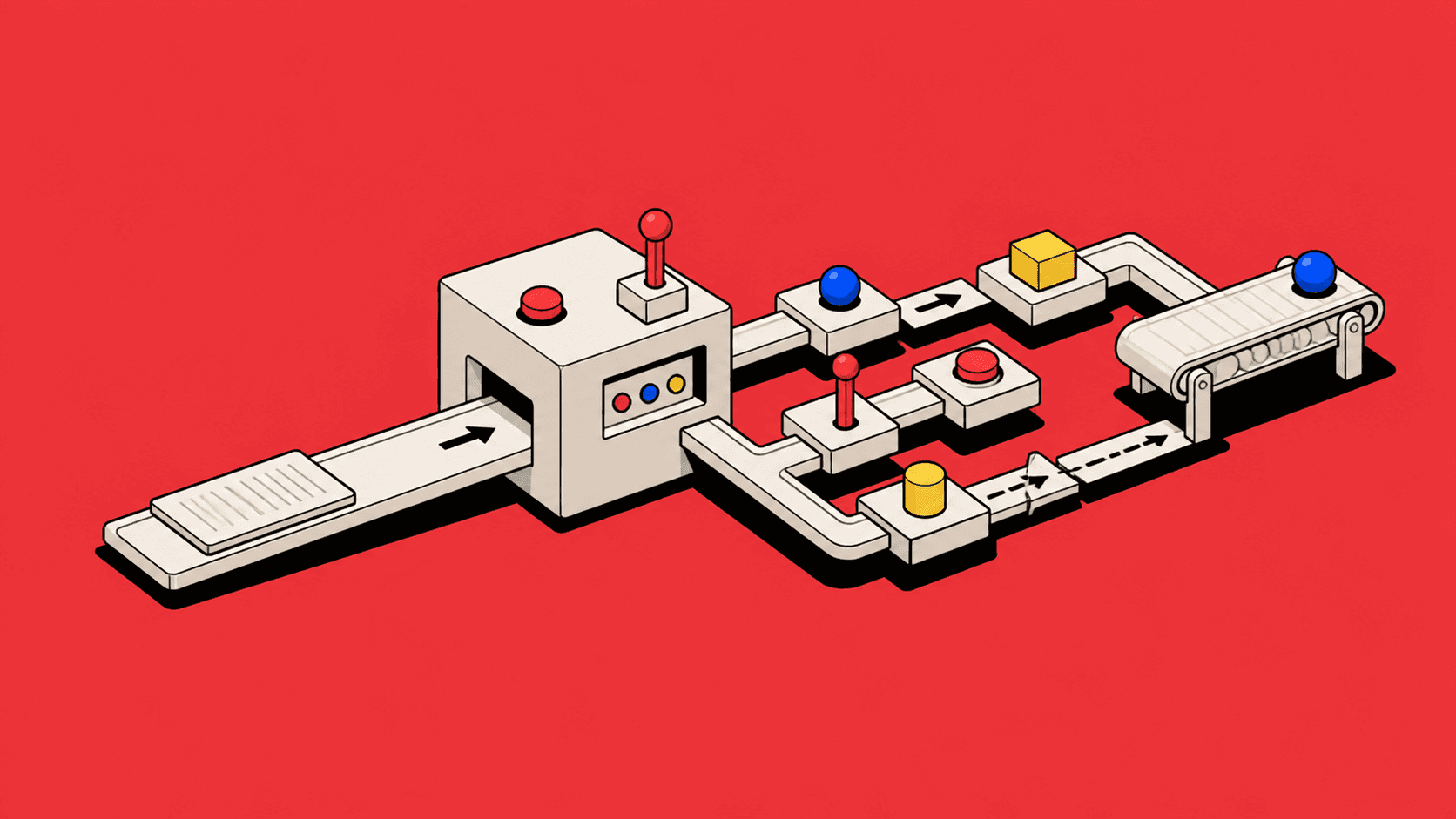
The new digital process is proudly demonstrated. It has conditional fields, mandatory validation and a submit button in the approved shade of blue. Someone from operations asks what happens after submission. The room develops a sudden interest in the prototype’s border radius.
Forms are useful. They capture structured information, support validation and make data available to systems. They are also dangerously persuasive. Once a complex process has been converted into fields, it looks designed. The mess has labels, the labels align, and progress can be measured by how many boxes contain text.
But a form is only the moment of capture. The workflow includes how people know what to enter, where evidence comes from, who checks it, what happens when information is missing, how decisions are made and what the organisation does with the result.
Digitising a form without redesigning that surrounding work is how organisations acquire faster handwriting.
Start with the job, not the document
Paper forms cast a long shadow. They often become the requirements for digital products because they are visible, established and blessed by policy. Every box is treated as evidence of a user need.
Yet forms reflect the constraints of their medium and the history of the organisation. A field may exist because one department once needed it for a report. Several sections may repeat the same information because paper could not retrieve it. A signature may indicate approval, acknowledgement or simply that a physical page needed somewhere official-looking to end.
Before recreating the document, ask what job it performs. Is the goal to request a service, assess risk, create an operational record, obtain authority or produce a compliant output? Map the decisions and hand-offs. Identify which information is known already, which must be supplied and which can be derived.
The original form is research material, not sacred geometry.
Capture information when it becomes knowable
Large forms often ask for everything at once because paper travels poorly. Digital products can collect information over time and from several sources. They should use that ability deliberately.
Do not ask a requester for operational details that will only be known after approval. Do not require finance information before the commercial shape is agreed. Do not make one person impersonate five departments because the database prefers a complete row.
Sequence capture around the work. Begin with enough information to create and route the case. Add details as decisions make them relevant. Allow specialists to own their parts while preserving a coherent record. Show what is incomplete and why, rather than treating every blank as failure.
This reduces speculative data. People stop entering placeholders merely to get past validation. The system becomes an account of what is known, not a performance of completeness.
Known data should not become homework
Nothing reveals organisational fragmentation quite like asking a user to type information the system already has. Customer addresses are copied from CRM, purchase references from email, account codes from finance, and contact details from the user’s own profile. The form becomes a human integration layer with excellent attendance.
Prefill reliable data and identify its source. Let people correct information when they have authority, or request correction when they do not. Avoid copying values into disconnected fields that later drift apart. A customer address should be a relationship to governed data where possible, not fresh prose in every transaction.
Derived values should be visible and explainable. If tax, distance or approval level is calculated, show the inputs and rule. People trust automation more when they can see how it arrived, and challenge it more constructively when it did not.
Validation is not policy design
Mandatory fields are often used to solve behavioural problems. A team receives incomplete requests, so the product makes everything required. Completion rises. Accuracy develops a more complicated relationship with reality.
Requirements should follow the decision. A value is mandatory when the next step cannot safely happen without it, not because somebody might want it later. Distinguish missing, unknown, not applicable and awaiting confirmation. A blank field is ambiguous; structured uncertainty is useful.
Validate meaning, not only format. A date can be syntactically correct and operationally impossible. A weight can be numeric and inappropriate for the selected aircraft. A signatory can be present and lack authority. Domain validation should help people correct the work at the moment they understand it.
Where exceptions are legitimate, provide an override with reason and authority. Blocking every unusual case does not remove unusual cases. It relocates them to email.
Evidence is part of the interaction
Forms frequently request facts that exist in documents: invoices, contracts, certificates, schedules and correspondence. The user reads one surface and types into another, performing careful transcription so the software can become digital.
Design evidence and data together. Show the source beside extracted or entered values. Allow the user to reference a document, page or message. Preserve the relationship after submission so reviewers can verify without hunting attachments.
If AI extracts information, present it as prepared evidence, not revealed truth. Mark uncertainty and conflicts. Let users correct values while retaining the source and correction history. The useful outcome is not a completed form; it is a reviewable record.
Attachments also have states. Uploaded does not mean valid, legible, current or complete. Make processing and review visible. “File attached” is not the same as “evidence accepted”.

Submission should not be a cliff
Traditional forms build toward a single dramatic action. Before submission, the user owns the work. After submission, it disappears into the organisation.
Operational products need a gentler transition. Show what submission will do, who receives the case and what remains editable. Confirm the created record and next step. Provide a way to return, track progress, respond to questions and supply later information.
Avoid vague success pages. “Your request has been submitted” is technically accurate and socially withholding. State the reference, owner, expected response, next decision and any action the requester still holds.
Where submission triggers irreversible or high-consequence actions, provide a review that summarises material information rather than replaying the whole form. The user should confirm the decision, not admire their typing.
Reviewers need a different interface
Products often show reviewers the submitted form in read-only mode, as though disabling fields transforms data entry into decision support.
Review work has different questions. What is being requested? What is unusual? Which evidence supports it? What changed since the previous version? Which policies apply? What requires a decision now?
Create a review view around those questions. Summarise the case, highlight exceptions, place evidence near claims and expose full detail on demand. Support requests for information without rejecting the entire case. Record conditions and reasoning with the decision.
The form organised capture. The review interface should organise judgement.
Handoffs need ownership
Between capture and outcome, work moves. Sales asks operations, operations asks finance, finance asks the customer, and the customer sensibly replies to the person they recognise. A status field alone does not coordinate this.
Show current owner, required action, dependencies and due context. Separate who owns the case from who owes the next contribution. A commercial lead may remain accountable while a loadability specialist answers one question.
Keep questions attached to the relevant information. When a reviewer queries a route or amount, the requester should see the field, evidence and consequence—not receive “Please review submission” with the emotional warmth of a parking notice.
Preserve the thread when work returns. Rework should not require a new form and a fresh loss of history.
Outputs reveal the real workflow
Many digital forms ultimately produce a document, message, booking, invoice or system update. Product teams sometimes treat this as downstream implementation. Users treat it as the reason they completed the process.
Design the output early. What must the contract show? Which fields populate the invoice? What information is sent to operations? Which data crosses into CRM or finance? Working backward exposes unnecessary fields, missing evidence and ambiguous ownership.
Allow users to preview customer-facing or regulated outputs before they become final. Keep source data and generated documents connected. A correction should flow deliberately rather than require edits in three places.
If staff export to Excel immediately after submission, investigate before removing the export. The spreadsheet may be carrying workflow capabilities the form ignored: prioritisation, shared status, exception notes or batch action.
Measure completion of the job
Form analytics favour completion rate, abandonment and time on page. Useful, but incomplete. A form can achieve excellent completion while creating downstream correction, rejection and manual reconciliation.
Measure the full journey. How often is information re-entered? Which fields are corrected during review? How many requests return for clarification? Where does work wait? Which attachments cannot be verified? How long until the intended outcome occurs?
Observe the work around the interface. Messages, shadow spreadsheets and meetings reveal missing workflow. Do not label them resistance before understanding what they provide.
Replace the form with a service
The mature design question is not “How should we improve this form?” It is “How should the product help this job move from need to accountable outcome?”
The answer may still include fields. Usually it also includes progressive capture, governed data, evidence, collaboration, decision support, status, recovery and outputs. The form becomes one tool in a larger service.
This shift can feel less tidy. A single screen becomes a sequence. One owner becomes several contributors. A complete record becomes a transparent state of knowledge. But the apparent complexity was already present in the work. The paper form merely compressed it into boxes and left people to supply the operating system.
A form captures answers. A workflow helps people reach an outcome. Products that understand the difference stop digitising paperwork and start redesigning work.
See it in practice
I explored this distinction in my ShipServ UX strategy case study, where the work around the interface mattered as much as the fields inside it. GOV.UK Forms provides a useful external example of treating validation, processing and accessibility as part of the service rather than merely reproducing a document online.

